
 By
By In the digital world, losing important data can be a frustrating and stressful experience. Based on a survey conducted by Handy Recovery, over 70% of 1,000 respondents have experienced data loss at least once. Fortunately, the best data recovery software for Mac can act as a lifesaver.
This guide is designed for anyone who has experienced data loss. We will explain what data recovery software is, its core functions, and why it is an essential tool for Mac users. We’ve compiled a list of the 10 most trusted and effective software for your recommendation.
Key Takeaways:
- A reliable data recovery tool is essential for every Mac user to retrieve files lost due to accidental deletion, formatting, or system crashes.
- The best software solutions, such as Disk Drill and EaseUS, offer robust features to recover a wide range of file types from various storage devices.
- Choosing the right data recovery application depends on your specific needs, technical expertise, and the type of data loss scenario you are facing.
What is Data Recovery Software?
Data recovery software is a special type of application designed to restore lost, deleted, or inaccessible files from a storage device. It works by scanning and identifying fragments of data that are still physically present on the disk, even if the operating system can no longer see them.
These tools are crucial for anyone who has experienced data loss, whether from an accidental deletion, a corrupted drive, or a formatted partition. Without this software, these files would be lost forever.
Also Read: 10 Motion Graphics Software for Stunning Animations in 2025
5 Core Functions of Data Recovery Software
The best data recovery software for Mac is built on a few core functions that work together to retrieve lost information. A good recovery tool uses these features to ensure a high success rate in various data loss scenarios.
- Scanning: The software scans a storage device for traces of deleted or lost files.
- Previewing: This function allows you to view recoverable files before the restoration process begins.
- Filtering: Users can filter results by file type, size, or date to quickly find specific files.
- Repairing: Some advanced tools can repair corrupted or damaged files to make them usable again.
- Recovery: The final step where the software restores the selected files to a new, safe location.
10 Best Data Recovery Software for Mac
Navigating the market for data recovery tools can be overwhelming. There are many options, each with unique features and advantages. To help you choose, here is a list of the top ten software recommendations.
1. Disk Drill
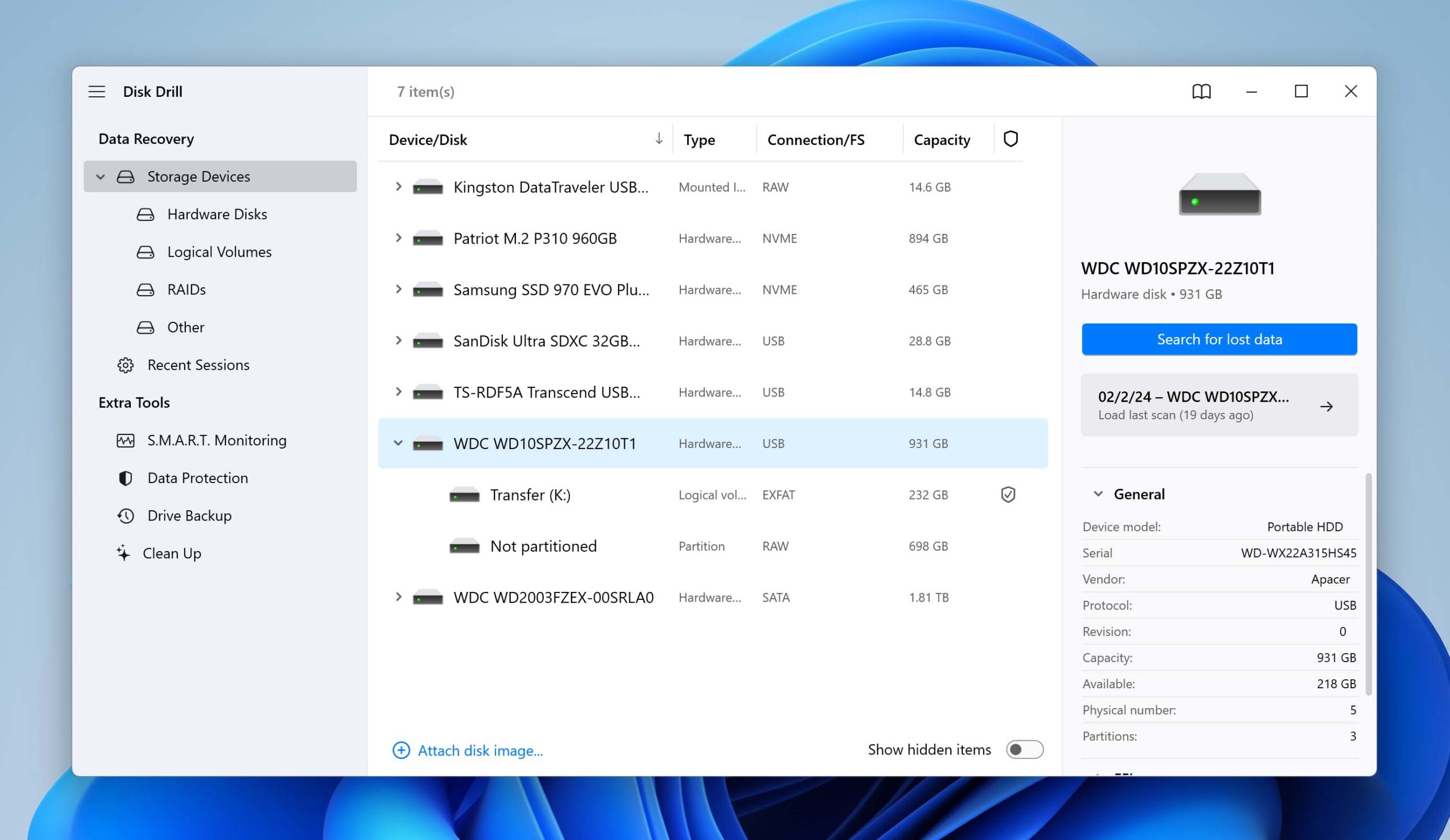
Disk Drill is one of the most popular data recovery applications for Mac users. It features an intuitive interface and a robust set of recovery algorithms. The software can recover a wide variety of file types from numerous storage devices.
A unique feature called Recovery Vault provides an extra layer of protection for your files. This feature keeps a record of all deleted file metadata, which makes future recovery efforts much faster and more reliable.
2. EaseUS Data Recovery Wizard
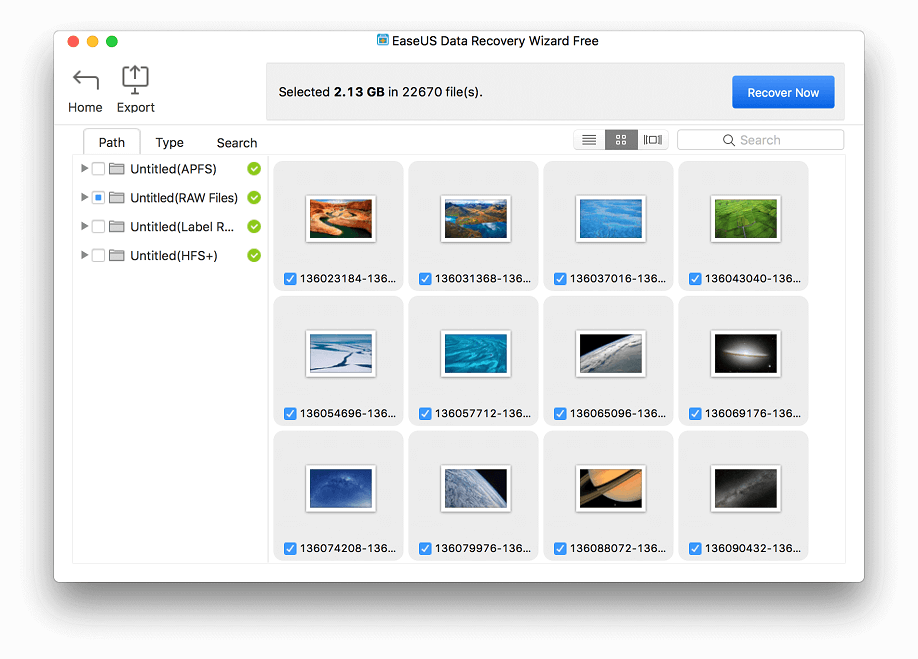
EaseUS Data Recovery Wizard offers a simple, three-step process for recovering lost data. The software’s user-friendly design makes it accessible even for those with minimal technical knowledge. It supports the recovery of files from an extensive range of devices.
The software also allows you to preview recoverable files before starting the recovery process. This is a very useful feature that helps you verify the integrity of your data.
3. Stellar Data Recovery
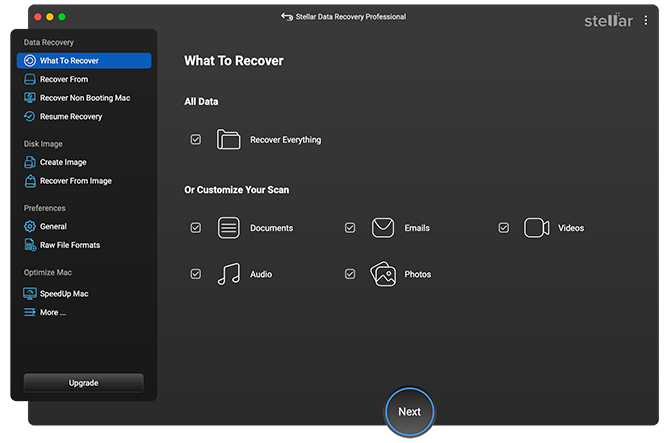
Stellar Data Recovery is a highly regarded application known for its powerful recovery capabilities. It can effectively recover files from corrupted or formatted drives, making it a reliable solution for severe data loss scenarios. The software is widely considered a top choice among the best data recovery software for Mac.
This tool also offers a deep scan option to find every last bit of data on a drive. Stellar’s clean and straightforward interface ensures that even a novice user can navigate the recovery process with ease.
4. R-Studio for Mac
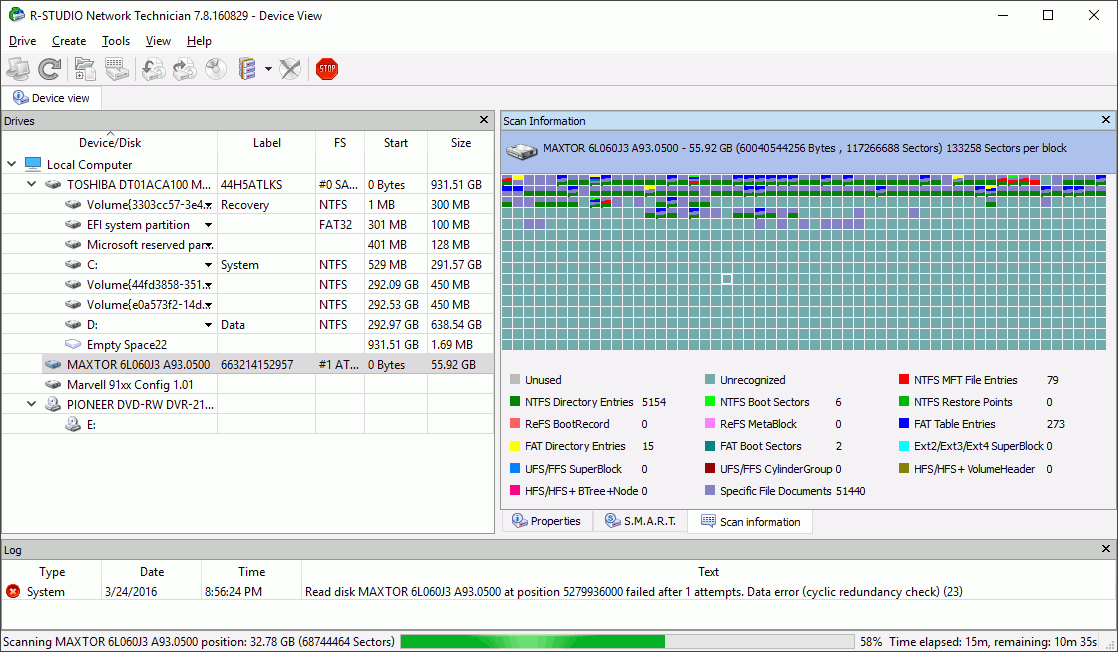
R-Studio is a professional-grade recovery tool that is praised for its advanced features. The software offers a powerful set of tools for IT professionals and data recovery experts. It is highly effective for recovering data from damaged or non-bootable drives.
This makes it the best data recovery app for Mac for complex cases. The software also includes network data recovery capabilities. This means you can recover data from another computer over a local network.
Also Read: 7 Best Photo Editing Software for Beginners to Upgrade Your Skills
5. PhotoRec
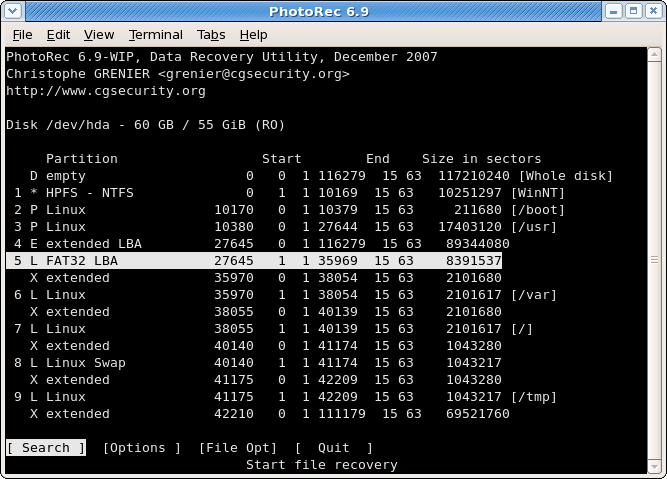
PhotoRec is a free, open-source tool that specializes in recovering photos and other media files. It works by ignoring the file system and searching for data signatures directly. This method makes it highly effective for recovering data even when the file system is severely damaged.
Despite its command-line interface, which may seem intimidating, its effectiveness is undeniable. The software is a reliable option for anyone needing to recover a large number of photos.
6. TestDisk
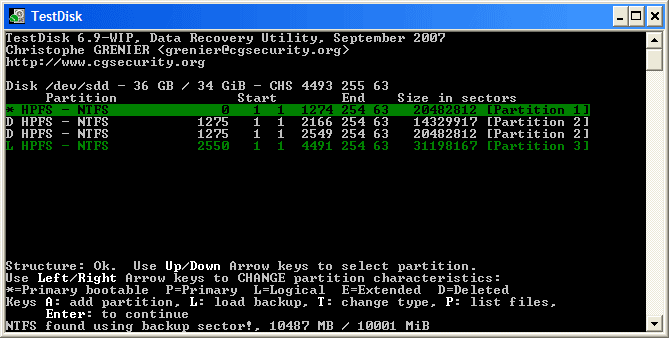
TestDisk is a free, open-source application that is often used alongside PhotoRec. The software is primarily a tool for recovering lost disk partitions and making non-bootable disks bootable again. Its focus on structural data repair makes it an essential tool for technicians.
The software is an invaluable component of any complete recovery toolkit. It is the best data recovery software for Mac users who need to solve a variety of storage-related issues.
7. Wondershare Recoverit
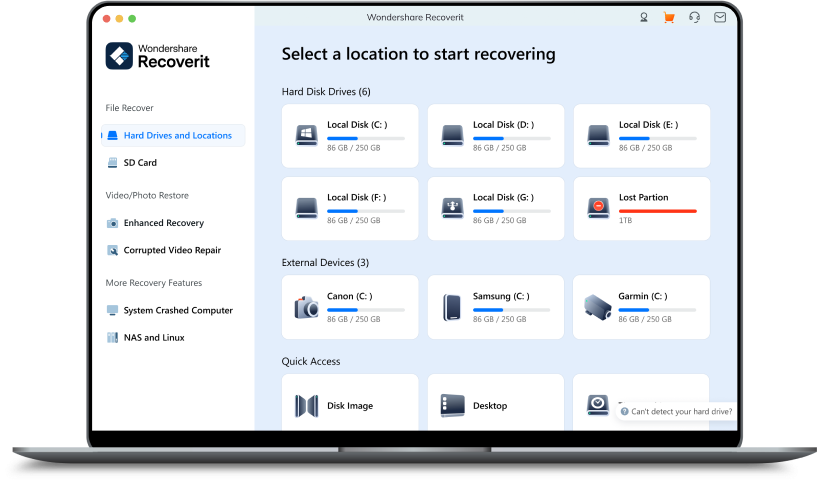
Wondershare Recoverit is a widely used and reliable data recovery tool. It offers an easy-to-use interface that guides users through the recovery process with simple steps. The software is known for its high success rate in recovering lost files from a wide variety of storage devices.
It can handle a range of data loss scenarios, including accidental deletion, formatting, and virus attacks. The tool also features a specialized function for repairing corrupted video files, a powerful ability especially for creative professionals.
Also Read: 12 Best Product Management Software with Next-Gen Features
8. Remo Recover
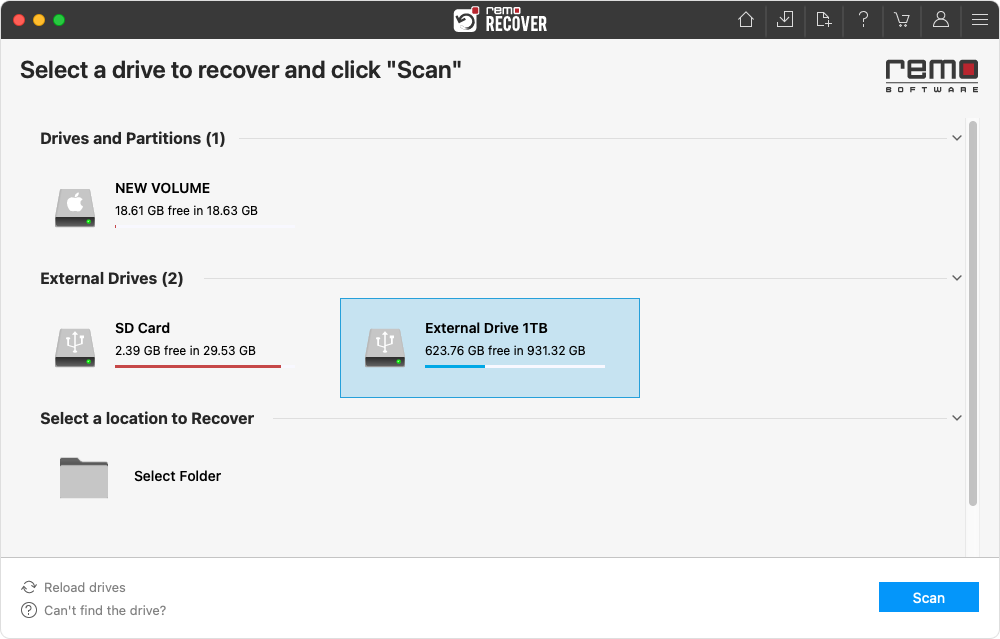
Remo Recover is an easy-to-use application designed for both beginners and experienced users. The software offers a simple interface that guides you through the recovery process step-by-step. It is known for its ability to recover files from various types of drives.
The software also provides a useful preview feature for all recoverable files. This allows you to check the quality of your files before you restore them.
9. MiniTool Power Data Recovery
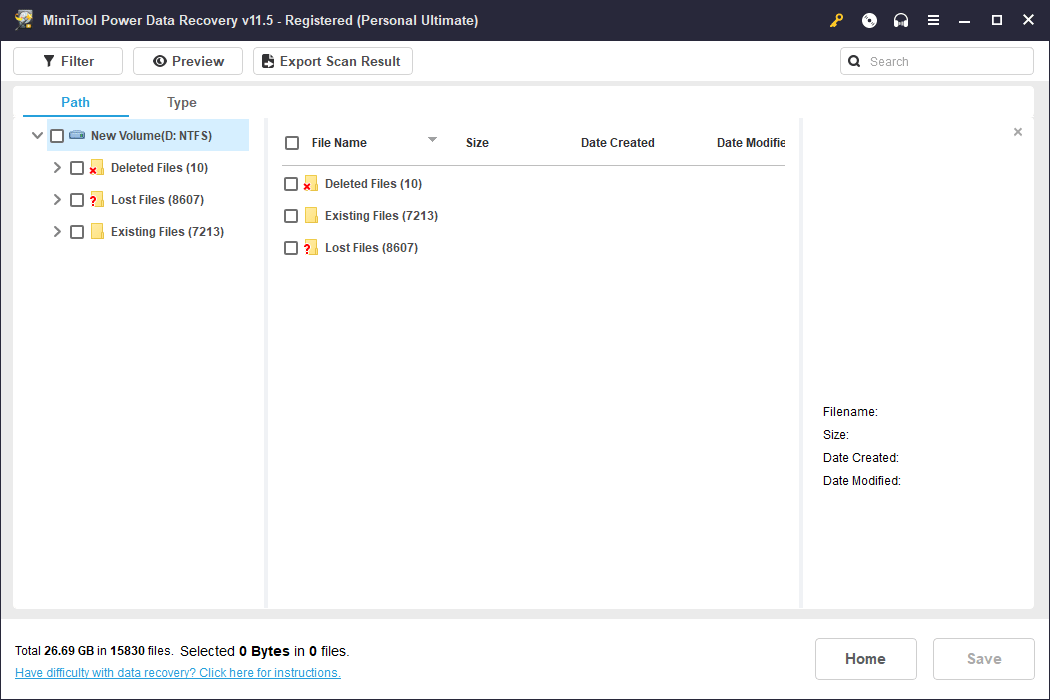
MiniTool Power Data Recovery is one of the best data recovery tools for Mac. Its simple and straightforward interface makes the recovery process easy to follow for both beginners and experienced users. The software can recover a wide variety of file types from numerous storage devices, including internal and external hard drives.
MiniTool is a reliable solution for various data loss situations, such as accidental deletion, partition loss, and virus attacks. It also offers a useful preview feature to view files before starting the full recovery process.
10. iBoysoft Data Recovery
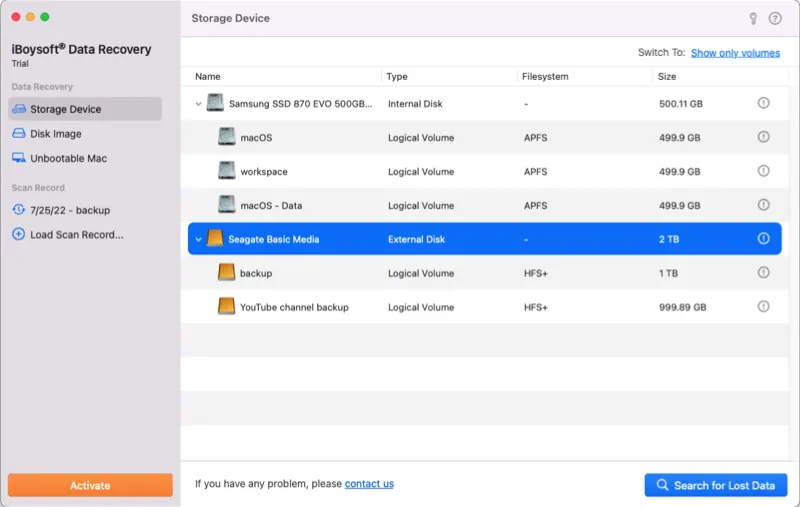
iBoysoft Data Recovery is professional and reliable software for Mac. It is particularly effective for recovering data from encrypted or formatted drives. The software’s powerful scanning algorithms ensure a thorough search for lost data.
It is a trusted tool for professional use. The software is also praised for its ability to recover files from a variety of devices, including external hard drives and USB drives.
Also Read: 5+ Best Character Creation Software Options for Artists
Secure Your Data with the Best Data Recovery Software for Mac
In today’s fast-paced digital world, data is one of your most valuable assets. Losing it can have significant consequences, from project delays to lost work. Having a reliable data recovery solution is no longer a luxury but a necessity. The above data recovery software for Mac comparison can help you to decide which one is best.
Each tool on this list offers a unique combination of features. The right choice for you will depend on your specific situation, technical expertise, and the type of files you need to recover.