 By
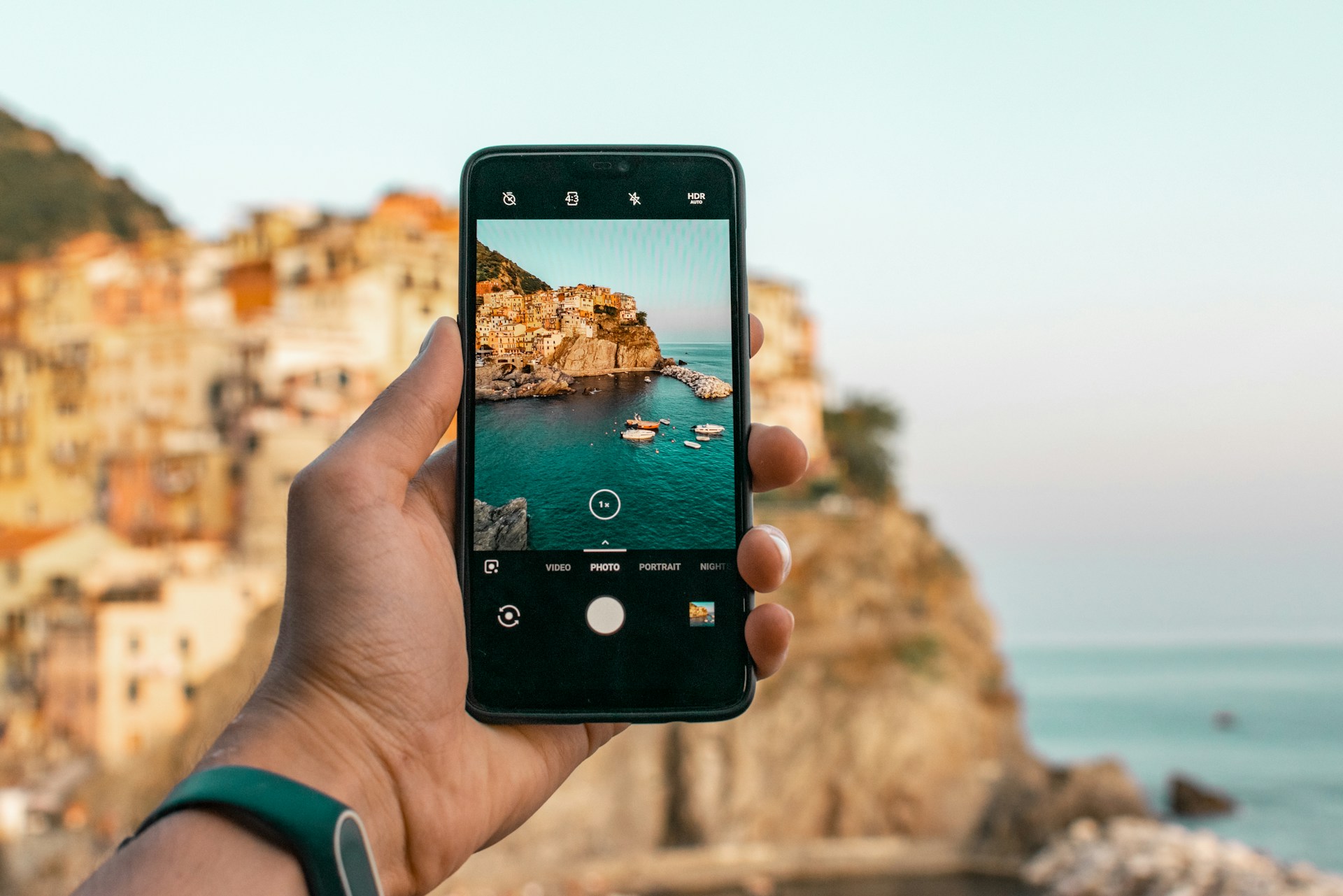
By With today’s advanced phone cameras, capturing stunning images is more feasible. Whether you’re just starting out or already confident behind the lens, the right smartphone photography tips can help you transform everyday moments into professional-looking shots.
Key Takeaways:
- Lighting and composition are crucial. Use natural light and apply techniques like the rule of thirds to create striking smartphone photos.
- Manual controls offer creative freedom. Adjusting ISO, shutter speed, and white balance helps you handle challenging lighting and accurately capture your vision.
- Editing enhances your shots. Apps like Lightroom Mobile or Snapseed can refine your images.
- Practice and perspective improve results. Experiment with angles, shoot consistently, and prioritize quality over quantity.
15 Smartphone Photography Tips You Should Know
Here are smartphone photography tips and tricks to kickstart your creativity and help you capture sharper, more engaging shots with just your phone.
1. Clean Your Lens
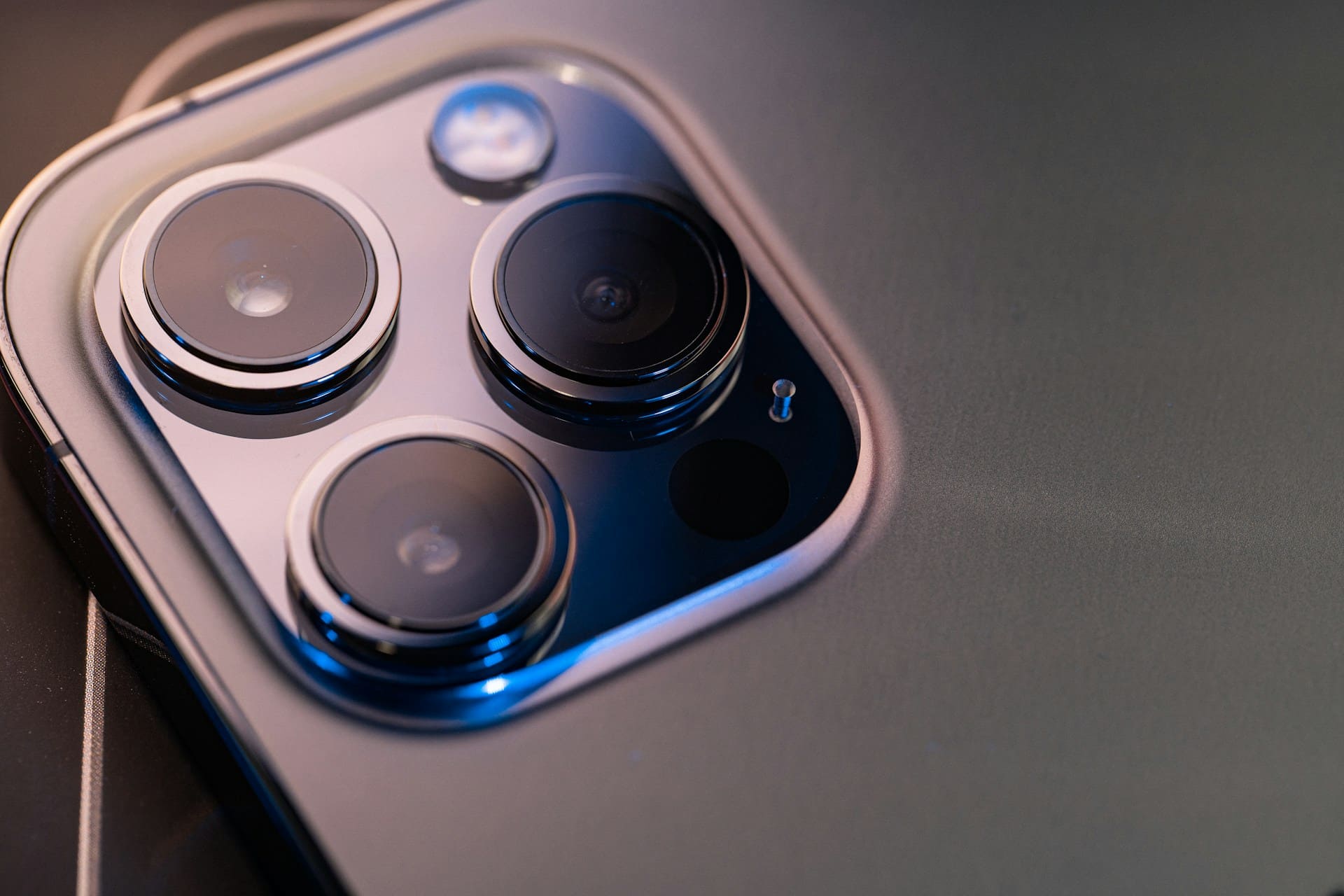
A spotless lens is the quickest way to improve photo clarity. Even minor dust, smudges, or fingerprints can cause unwanted blur and reduce sharpness. Before shooting, gently wipe the lens with a microfiber cloth to ensure your images are crisp and detailed.
2. Avoid Digital Zoom
Digital zoom might seem convenient, but it significantly lowers image quality by simply enlarging the pixels. For better results, physically move closer to your subject or crop the image afterward during editing. This keeps textures sharp and preserves more visual information.
Also Read: Best Phone for Content Creators: 7 Essential Device Upgrades
5. Use HDR Mode for High-Contrast Scenes
HDR (High Dynamic Range) mode is a powerful tool when photographing scenes with intense lighting contrast. Such as a bright sky above a dark landscape. It captures multiple exposures and blends them into a single image, keeping bright areas from washing out and dark areas from losing detail.
This mode is useful for outdoor landscapes, sunsets, or indoor shots with strong backlighting, producing results closer to what your eyes naturally see.
4. Make the Most of Natural Light
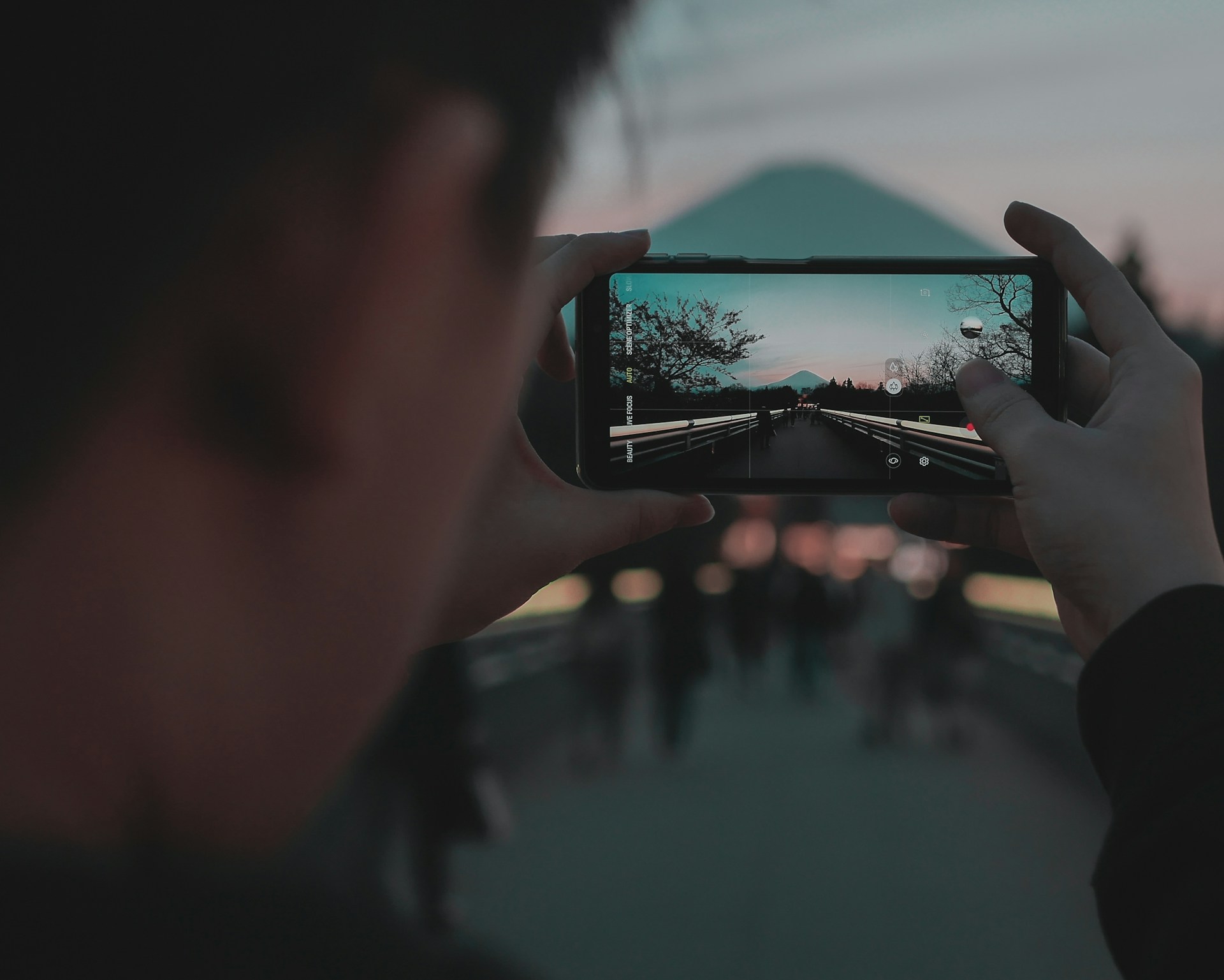
Natural light gives your photos a softer, more flattering look than artificial lighting. It enhances colors, reveals textures, and adds depth, especially during golden hour. Use it to make your shots feel more vibrant and natural. This is one of the simplest smartphone photography tips for instantly better results.
5. Adjust Exposure Manually
Tapping the screen to focus and then sliding your finger to change the exposure lets you control brightness precisely. This helps control brightness and avoid overexposed or underexposed areas, giving your photos a polished feel without extra editing.
Also Read: 12 Best Product Management Software with Next-Gen Features
6. Experiment With Angles

One of the amazing smartphone photography tricks is taking shots from different perspectives, making even ordinary subjects look extraordinary. Try shooting from a low angle, overhead, or even through reflective surfaces like puddles. Exploring unique angles helps you tell more powerful and engaging visual stories.
7. Use Reflections Creatively
Look for reflective surfaces like windows, mirrors, puddles, or even sunglasses to add symmetry and depth to your photos. Using reflections strategically can transform a simple scene into a visually striking composition.
8. ISO, Shutter Speed, and White Balance Control
Mastering manual settings gives you greater creative control. Adjust ISO to manage your camera’s light sensitivity, set shutter speed to control how motion is captured, and fine-tune white balance for accurate colors. Understanding these three can dramatically improve results, especially in challenging lighting conditions.
Also Read: 7 Best Photo Editing Software for Beginners to Upgrade Your Skills
9. Master the Rule of Thirds
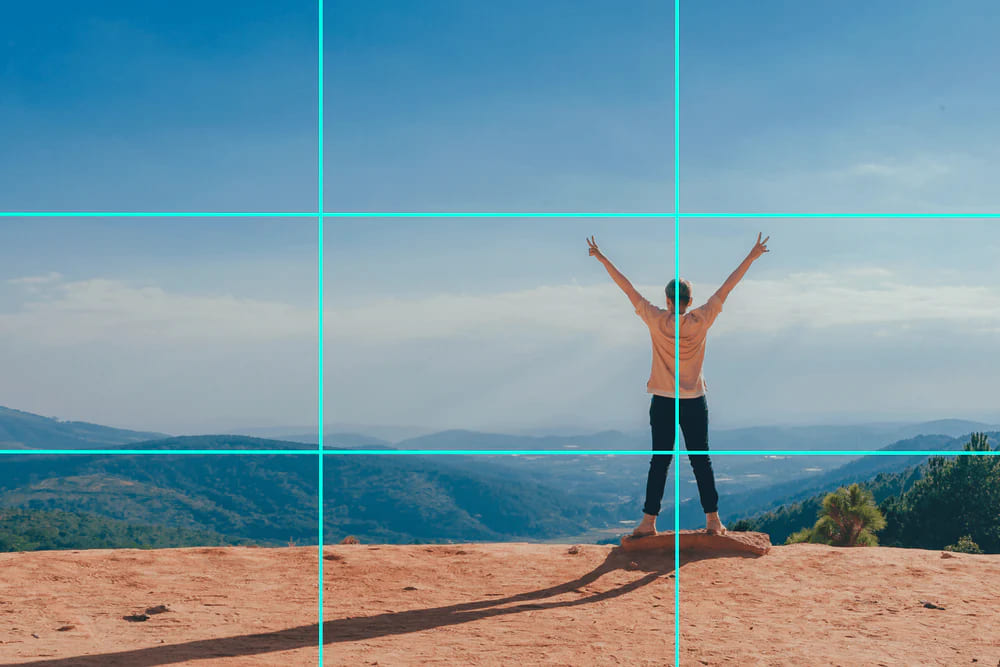
Enable your phone’s grid mode to see a three-by-three guide. Place your subject near one of the intersections rather than the center, leaving the opposite side open. This simple composition technique creates balance and naturally draws the viewer’s attention.
10. Focus on One Subject
One of the simplest yet most effective smartphone photography tips is to keep your composition clean. Remove background clutter, lock focus on your subject, and use techniques like a blurred background to direct attention. A sharp, well-isolated subject instantly makes photos more impactful.
11. Take Advantage of Portrait Mode
Portrait mode works for more than just faces; it’s also great for pets, products, and food. It helps add depth by creating a shallow depth-of-field effect. Use portrait mode to create a pleasing background blur that highlights your subject. Portrait mode keeps your subject sharp while softening the background for a DSLR-like effect.
12. Shoot in RAW Format (if Available)
Shooting in RAW is one of the most valuable mobile photography tips for capturing professional-quality images. This format stores more data than JPEG, allowing you to fine-tune lighting, color, and details without sacrificing quality. If your phone supports it, enable RAW capture in settings or use a third-party app.
13. Try Burst Mode for Action Shots
For moving subjects, use burst mode to capture a rapid sequence of shots. This increases the odds of getting a sharp, well-timed photo, whether it’s a sports scene, playful pet, or candid moment. Simply hold the shutter to take multiple frames in seconds.
14. Use Editing Apps to Enhance Your Photos
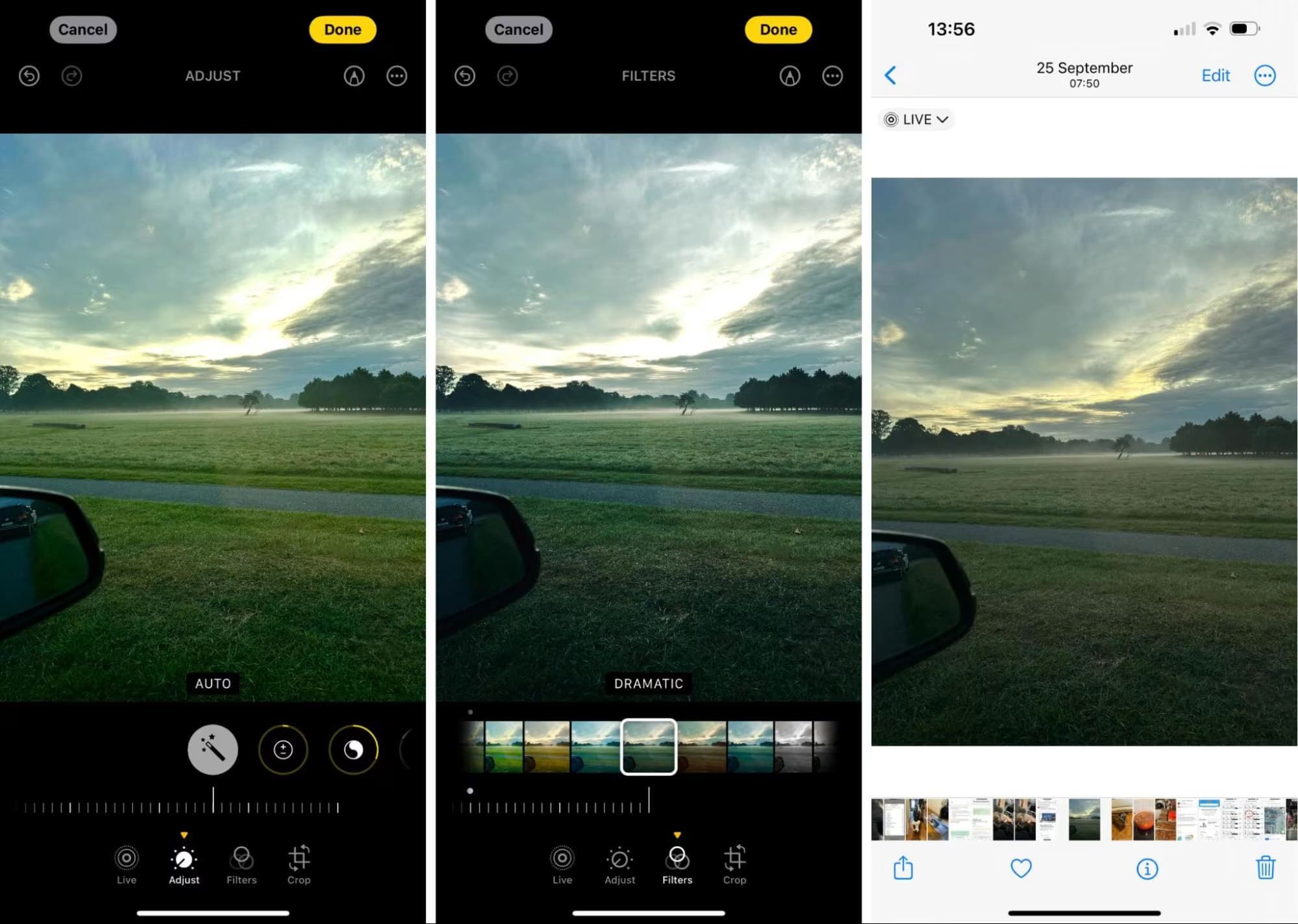
These smartphone photography tips wouldn’t be complete without editing. Applications like Snapseed and Lightroom Mobile allow you to adjust exposure, contrast, saturation, and sharpness. Moreover, many mobile editing apps are now as powerful as desktop tools, making it easy to give your shots a refined look.
15. Practice Consistently
Photography is a skill that improves the more you do it. Take time to shoot regularly, review your results, and learn from each photo you take. Don’t be afraid to try new techniques or angles. Remember that consistency and experimentation are key to developing your technical and creative abilities.
Also Read: Top 7 Software Tools for Virtual Reality Development in 2025
Your Next Step: Put These Smartphone Photography Tips to Work
Now that you’ve learned these smartphone photography tips for beginners, it’s time to put them into action. Experiment with lighting, angles, and editing apps, and don’t shy away from trying new techniques.
The more you shoot, the faster your skills grow. Whether capturing everyday moments or building a creative portfolio, your smartphone can produce results that rival professional cameras.