
 By
By Staying organized and productive can be challenging with so many tasks competing for your attention. For that reason, this article provides you with the best time management tools to help streamline your workflow, improve focus, and make the most of your day.
Key takeaways
- Time management tools boost productivity by helping users stay focused, organized, and on schedule.
- Features like calendar integration, real-time tracking, and automated logging simplify workflows and improve accuracy.
- Collaboration and integration options enhance team productivity and coordination.
8 Best Time Management Tools
Here are 8 best time management tools to try and help you stay focused, organize your tasks, and boost productivity.
1. Clockify
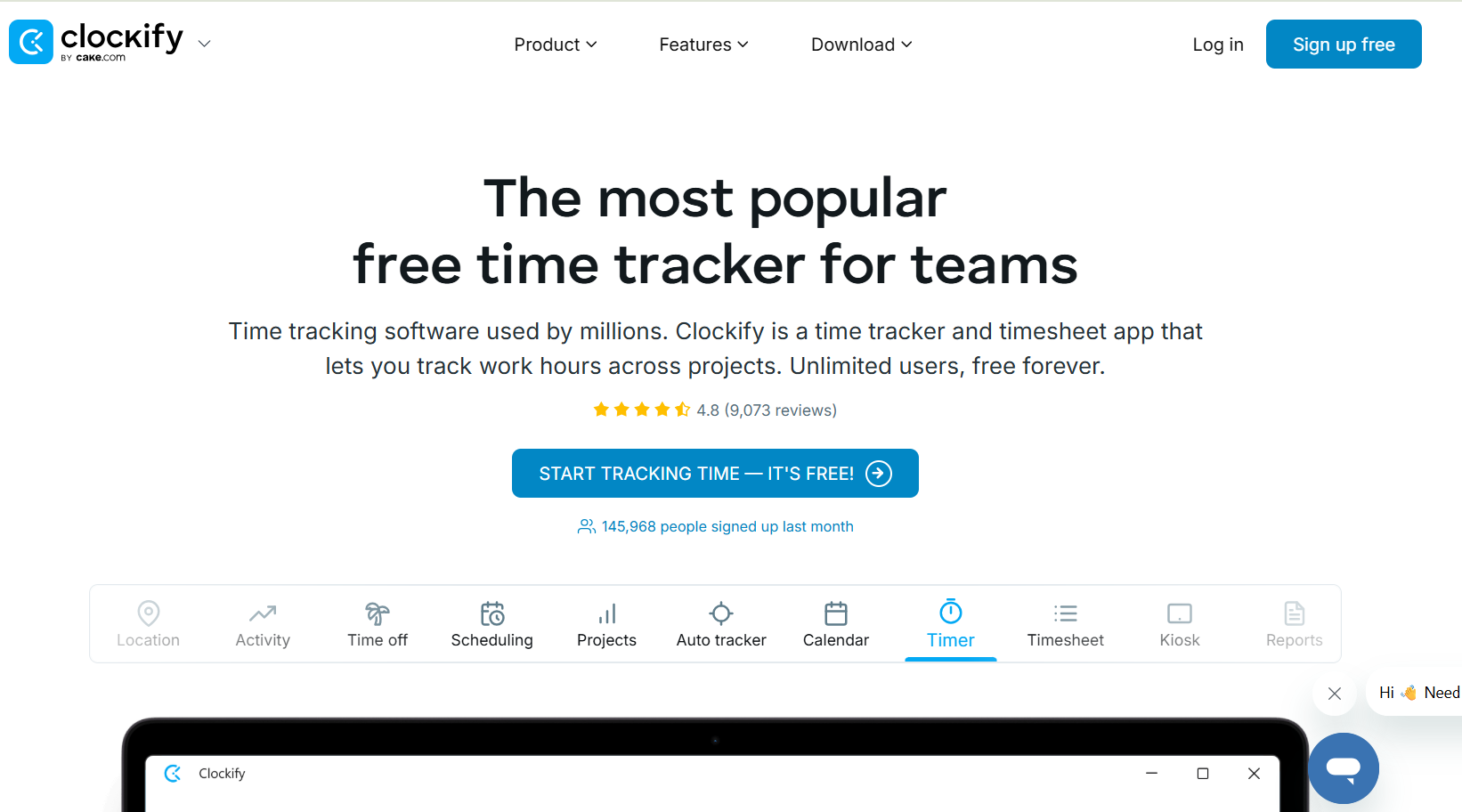
Features: a real-time timer for activity tracking, manual timesheet entry options, and a clock-in/clock-out kiosk for shared devices
Benefits: Clockify features a calendar interface that lets you easily visualize your schedule and generate detailed reports to track productivity and project progress, while also integrating seamlessly with various other apps.
Best For: Students or Workers
Pricing:
- Freeplan
- Basic plan: $3.99 per user/month (billed annually)
- Standard plan: $5.49 per user/month (billed annually)
- Pro plan: $7.99 per user/month (billed annually)
- Enterprise plan: $11.99 per user/month (billed annually)
Also Read: Top 11 Meditation Tools for Beginners to Deepen Your Practice
2. Toggl
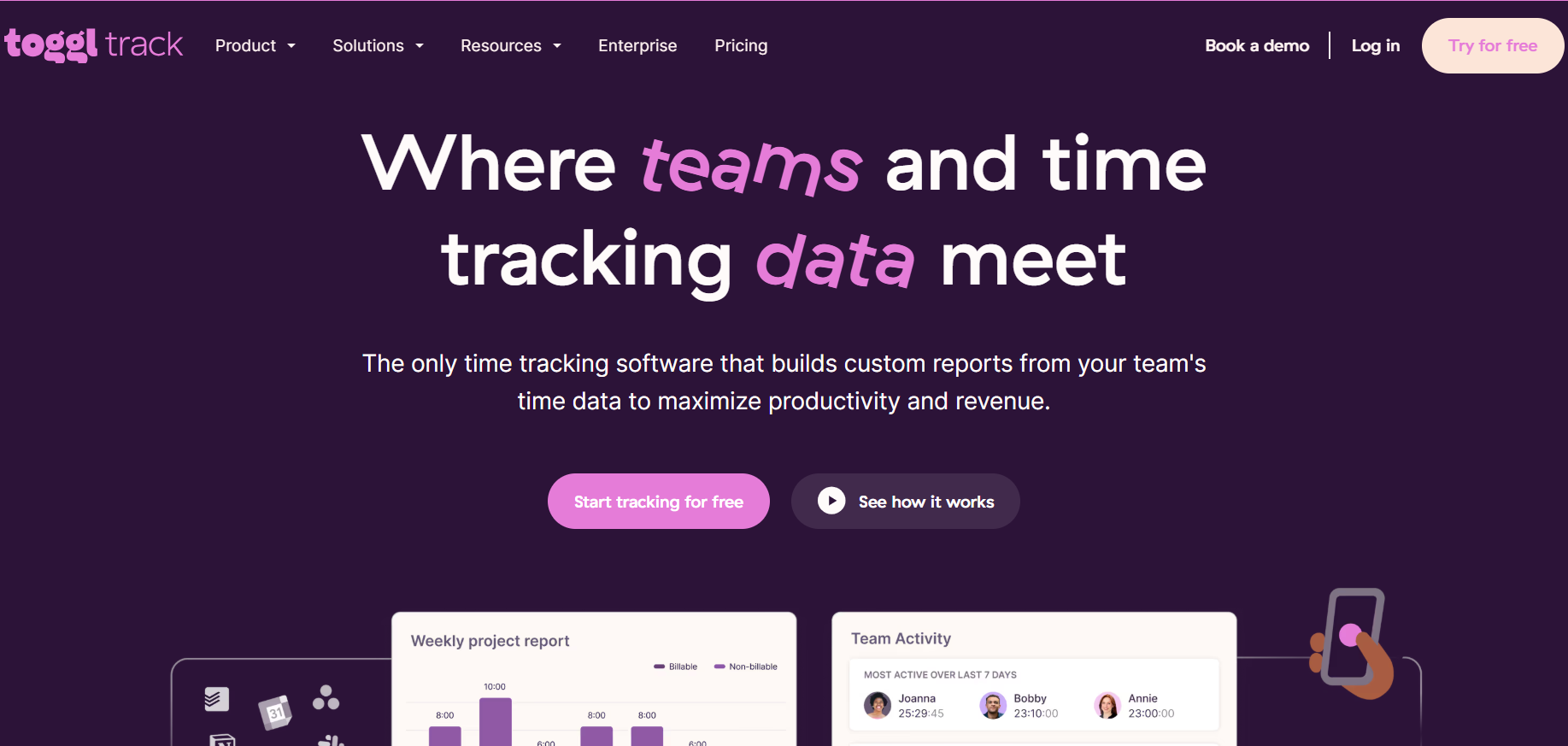
Feature: Toggl Track comes with a rich set of features designed to make time tracking as effortless as possible. The browser extension even adds a Toggl button inside popular tools like Google Docs.
Benefits: Toggl Track offers a smooth and flexible time tracking experience, especially valuable for individuals and small teams who want powerful tools without the complexity.
Best for: Freelancers, remote workers, and hybrid teams.
Pricing:
- Free plan
- Starter plan: $9/user/month
- Premium plan: $18/user/month
- Enterprise: Custom pricing
3. Evernote
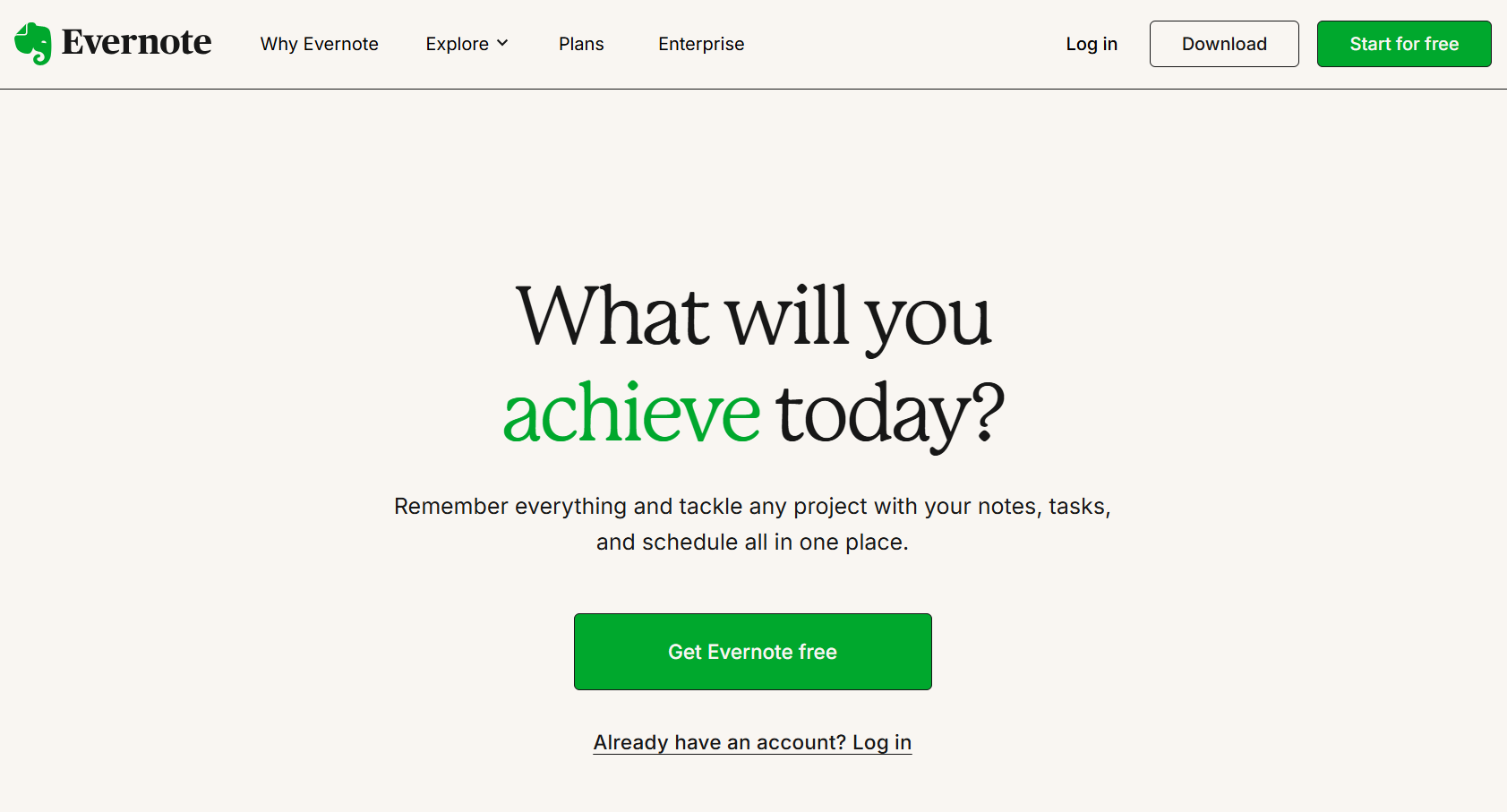
Features: The app includes a simple home dashboard, task creation within notes, and Google Calendar integration. It supports large files up to 200 MB and offers concierge support, making it practical for storing media and managing tasks in one place.
Benefits: Stay organized by bringing together notes, tasks, and events in one unified view, making it easier to manage your time and priorities efficiently. The app boosts productivity through seamless scheduling and note-taking, while large file support and responsive assistance.
Best for: Professionals, students, and creatives.
Pricing:
- Free plan
- Evernote premium: $7.99/month
- Evernote Business: $14.99/user/month
4. Todoist
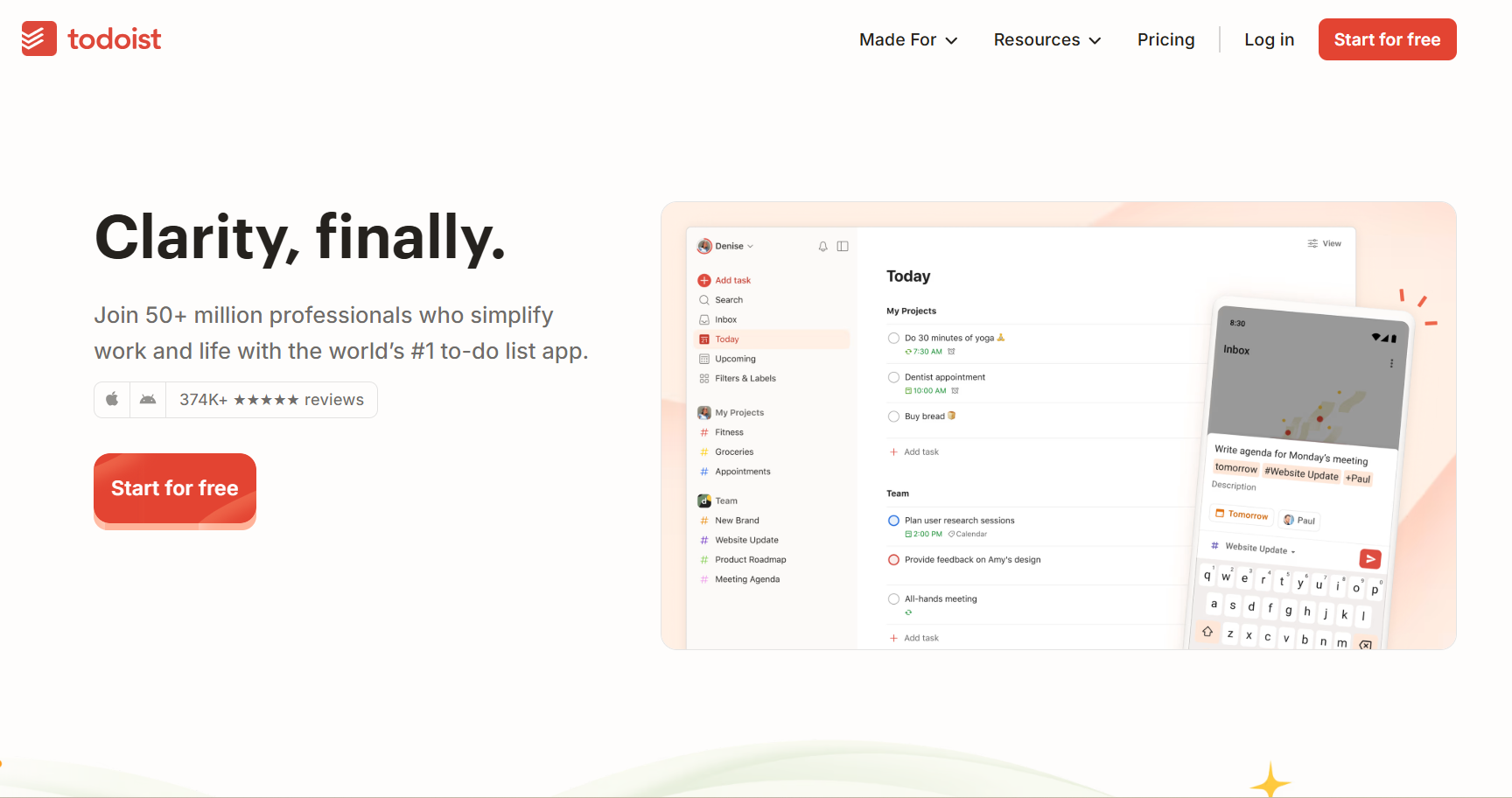
Features: The app offers cross-platform support with smooth, reliable syncing. It includes tools like natural language input, offline access, productivity reports, and an efficient interface. It also supports team collaboration for shared task management.
Benefits: Stay productive anywhere with offline access and seamless syncing across devices. Natural language input speeds up task entry, while collaboration tools and performance insights help teams and individuals stay organized.
Best for: Professionals and remote teams.
Pricing:
- Free plan
- Pro : $4/user/month
- Business : $6/user/month
Also Read: How to Save Money in College: A Student’s Survival Guide
5. Timely

Features: Timely uses AI to automatically track work hours and fill in timesheets with minimal manual input. It offers visual task planning via Gantt charts, has a modern, user-friendly interface, and prioritizes data privacy.
Benefits: With smart time tracking and intuitive planning tools, Timely saves time and improves accuracy in managing work hours. Its drag-and-drop Gantt charts aid project planning, ensuring sensitive data stays secure and becoming the best time management tools for employees.
Best for: Teams and Professionals
Pricing:
- Build: $26/staff/month
- Elevate: $37/staff/month
- Innovate: $43/staff/month
6. Memtime
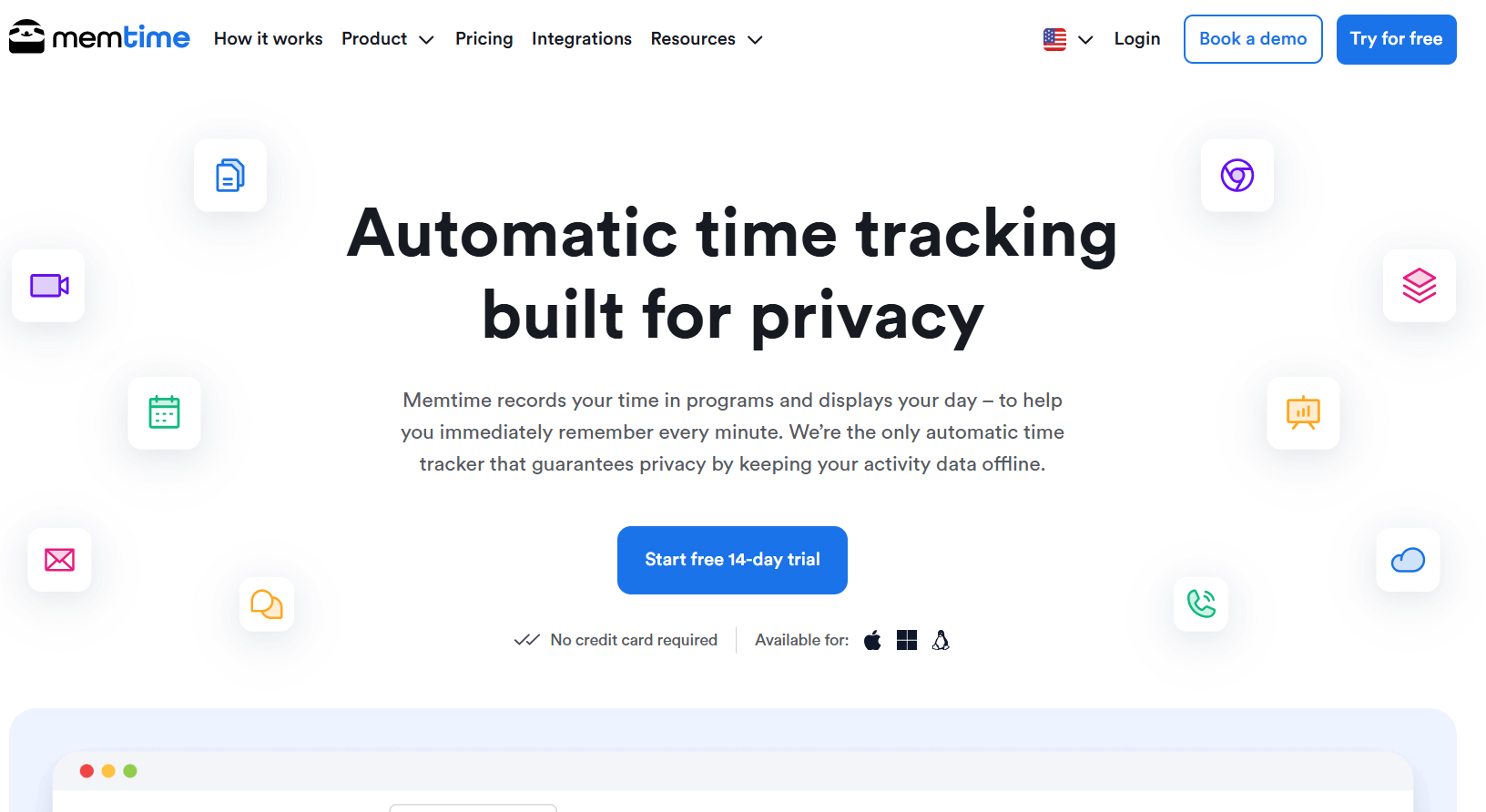
Features: Memtime is a desktop-only automated time tracking app that logs your computer activity without needing manual timers. It offers a minimalist interface with Timeline and List views, easy drag-and-drop entry creation, calendar sync, and basic reporting.
Benefits: Memtime simplifies time tracking for individuals by removing the need to start or stop timers. Its clean design, granular editing, and focus on solo use make it ideal for personal productivity.
Best for: Freelancers and Professional
Pricing:
- Basic: €10/user/month
- Connect: €15/user/month
- Premium: €20/user/month
Also Read: 10 Personal Finance Podcast Channels to Boost Financial IQ
7. Forest
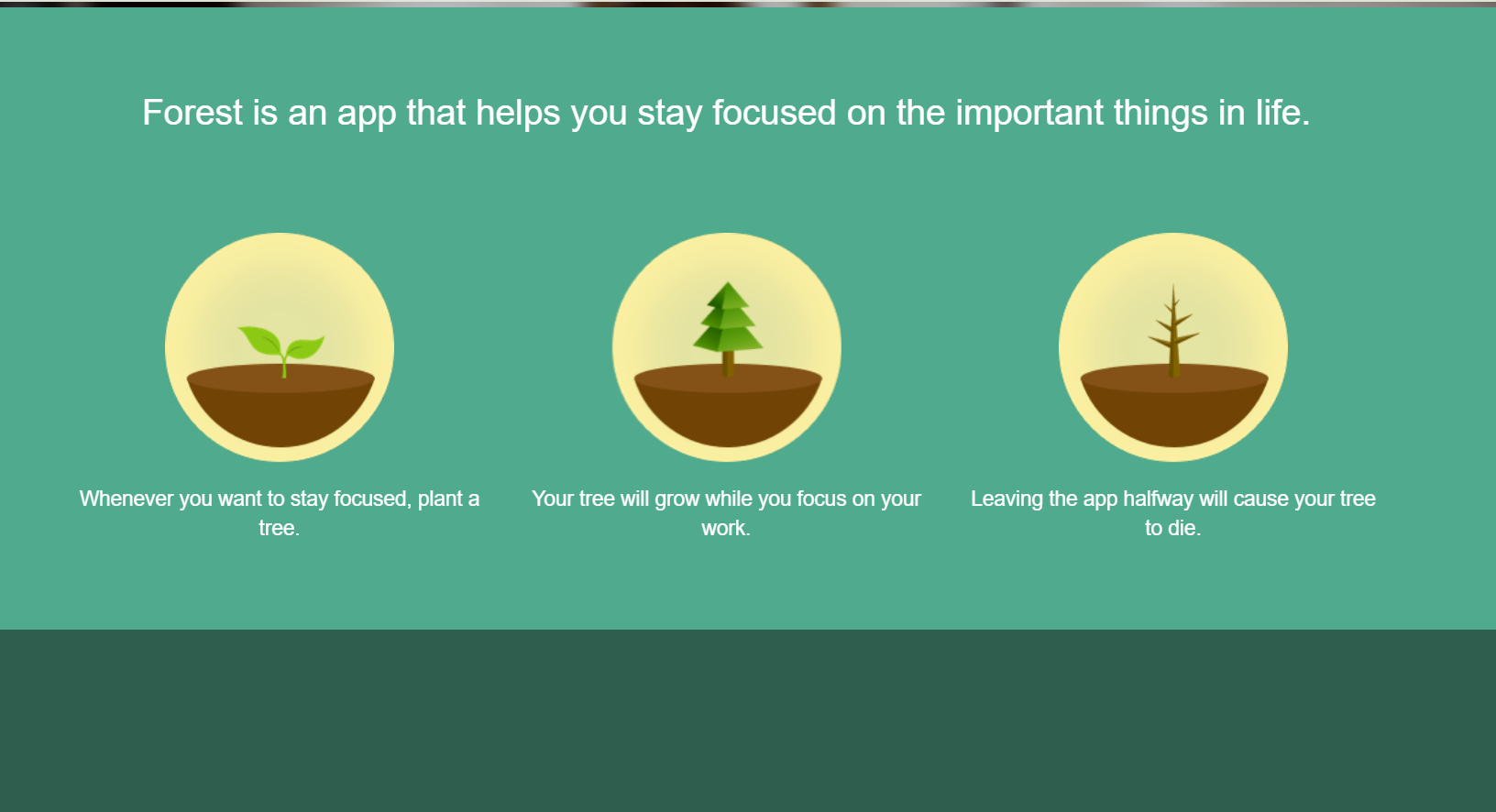
Features: Forest uses a gamified focus timer that “plants” a virtual tree whenever you stay off your phone, encouraging you to stay focused. It includes over 90 tree species, virtual coin rewards, and real-world tree planting through environmental partnerships.
Benefits: Forest helps reduce phone distractions by turning focus sessions into a rewarding game. It builds better time management habits while supporting reforestation efforts.
Best For: Students and Freelancer
Pricing:
- iOS: $3.99 (one-time purchase)
- Android: Free version, Pro Version $1.99
8. Dropbox
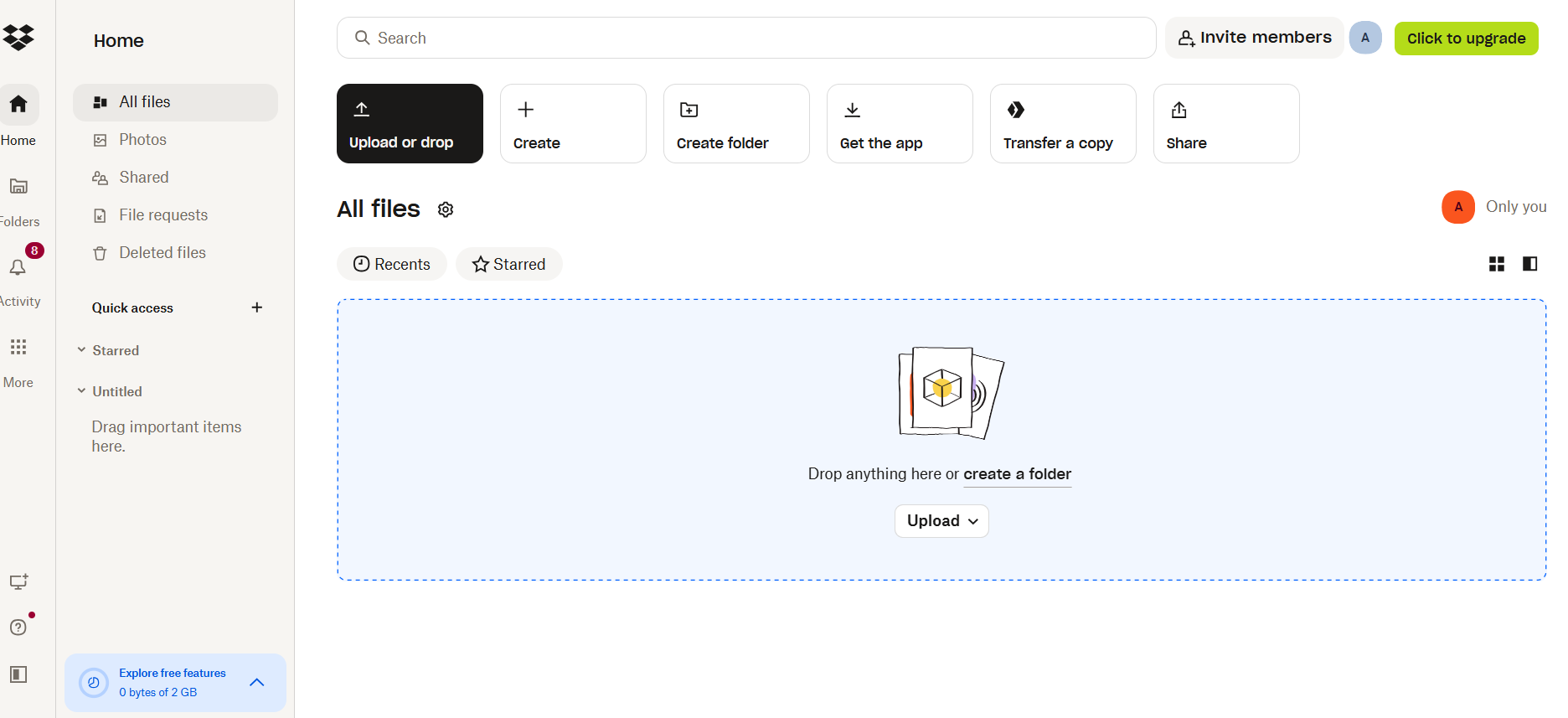
Features: Dropbox offers cloud-based file storage with synced desktop folders for easy access across devices. It supports real-time document sharing, advanced file permissions, and version history.
Benefits: Dropbox helps you stay organized by keeping all your documents in one place and accessible anywhere. It enhances collaboration with real-time updates and secure sharing, making teamwork more efficient. Indeed, it is the best time management tools for work.
Best for: Professionals, Teams, and Business
Pricing:
- Plus: $9.99/month
- Professional: $16.58/month
- Standard: $15/user/month
- Advanced: $24/user/month
Also Read: How to Meditate in Bed for Better Sleep and Reduce Anxiety
Best Tools for Time Management
| App | Best For | Standout Feature | Pricing |
| Clockify | Teams and freelancers | Real-time timer, manual entry, and kiosk mode | Free plan; paid plans from $3.99/user/month |
| Toggl Track | Freelancers, remote workers, and hybrid teams. | One-click timer with wide integration options | From $9/user/month |
| Evernote | Professionals, students, and creatives | Notes with tasks, calendar sync, and multimedia storage | Free tier; paid from $7.99/month |
| Todoist | Professionals and remote teams. | Natural language input and productivity reports | Free plan; paid from $4/month |
| Timely | Teams and Professionals | AI-powered time tracking and visual Gantt-style scheduling | From $11/user/month |
| Memtime | Freelancers and Professional | Automatic timeline tracking with calendar sync | From $12/user/month |
| Forest | Students and Freelancer | Gamified focus timer that plants real and virtual trees | iOS: $3.99 one-time; Android: free / $1.99 Pro |
| Dropbox | Professionals, Teams and Business | Cloud file syncing with secure sharing and version history | Free: 2 GB; paid plans from $9.99/month |
Now You Know the Best Time Management Tools!
Tools for managing time help you stay organized, focused, and productive. Whether you’re tracking tasks, planning projects, or reducing distractions, the right tool can simplify your workflow and make better use of every minute in your day.